What are workflows and how do they work?
Last updated: October 9, 2026
Workflows keep your segments up to date automatically. This article explains how they work, which data sources you can use, and what each action does. Start here before creating your first workflow.
What a workflow does
A workflow is a rule: when an account meets the conditions you set on a data source, the workflow adds it to, moves it between, or removes it from your segments. You can then use those segments in campaigns, sync them to LinkedIn or push them to your CRM, without updating them by hand.
For example: when an account reaches an intent score of 60 or more in your intent report, add it to the segment "Hot accounts".
Data sources
Every workflow starts from a data source. Go to Workflows and click + Create workflow to see them.
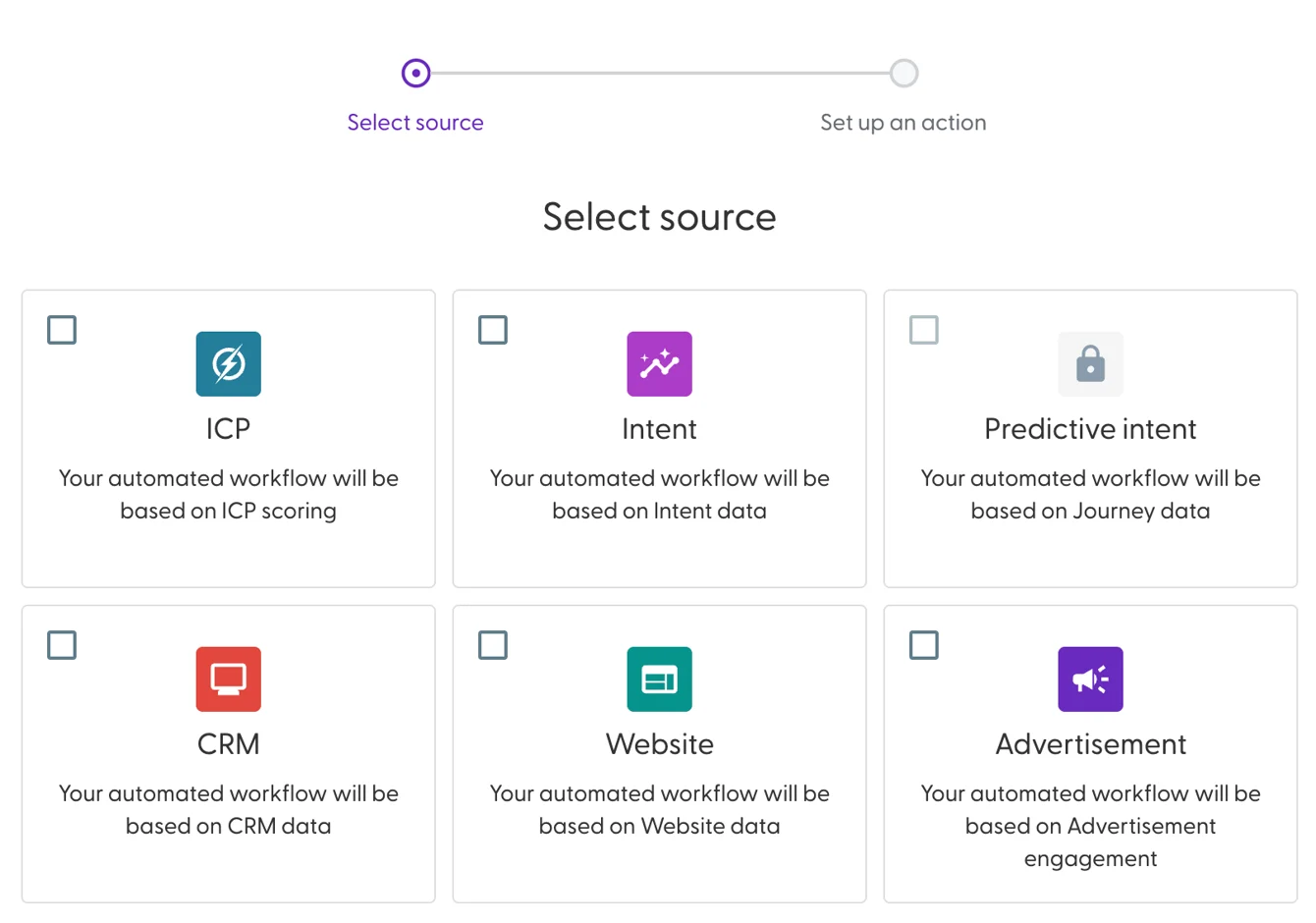
Source | The workflow is based on | What you need first |
Intent | Intent scores from an intent report | At least one intent report |
Website | Visits to your website | The N.Rich tag installed on your website |
Advertisement | Engagement with your N.Rich campaigns | At least one campaign that has run |
CRM | A HubSpot company list, a Salesforce report or opportunity data | A connected HubSpot or Salesforce integration |
ICP | Sales Velocity ICP scores | The ICP feature enabled for your account by your Solutions Engineer |
Predictive intent | Buyer journey data | The feature enabled for your account by your Solutions Engineer |
A source with a lock icon is not available yet. Complete the setup in the last column, or ask your Solutions Engineer for ICP and Predictive intent.
You can also combine two sources in one workflow. And from Progression Analytics you can create a progression workflow that keeps one segment per buyer journey stage. See Getting started with Progression Analytics.
Actions
The action decides what happens to the accounts that match your conditions. It applies to the whole workflow.
Action | What it does |
Add | Adds matching accounts to the destination segment(s). |
Move | Moves matching accounts from the source segment(s) to the destination segment(s). |
Remove | Removes matching accounts from the selected segment(s). |
Sync | Keeps the segment identical to the source: adds accounts that match and removes accounts that no longer match. Available for intent-based workflows, CRM company list and Salesforce report workflows, and progression workflows. Not available when you combine two sources. |
Things to know before you start
Workflows run on a schedule, not in real time. A new workflow is active as soon as you create it and runs at the next scheduled run. CRM-based workflows run daily. The Last executed column on the Workflows page shows when a workflow last ran.
Use one workflow per segment with Sync. A Sync workflow makes the segment match its own source. If two workflows update the same segment, they overwrite each other and the segment size keeps changing.
Manual changes don't stick. If you remove an account by hand from a segment a workflow fills, the workflow adds it back on its next run as long as the account still matches.
Remove actions shrink segments. Check the segments your workflows update about once a month, so they stay large enough to advertise to.
Availability depends on your plan. If you don't see Workflows in the menu, ask your Account Manager.
Use workflows with LinkedIn
Segments can be synced to LinkedIn as matched audiences. When a workflow keeps that segment up to date, your LinkedIn ads only reach the accounts that match your rules. See How to sync a segment to LinkedIn as a matched audience.
What's next
Need help? Reach out to your Solutions Engineer via the chat in the bottom-left corner of the N.Rich platform, by email or Slack.