How to create an advertisement-based workflow
Last updated: October 9, 2026
An advertisement-based workflow updates your segments based on how accounts engage with your N.Rich campaigns. Use it to group accounts that interact with your ads and follow up with the next campaign or with sales.
Before you start
You need at least one campaign that has run. See How do campaigns and ads work in N.Rich?
Create the workflow
Go to Workflows and click + Create workflow.
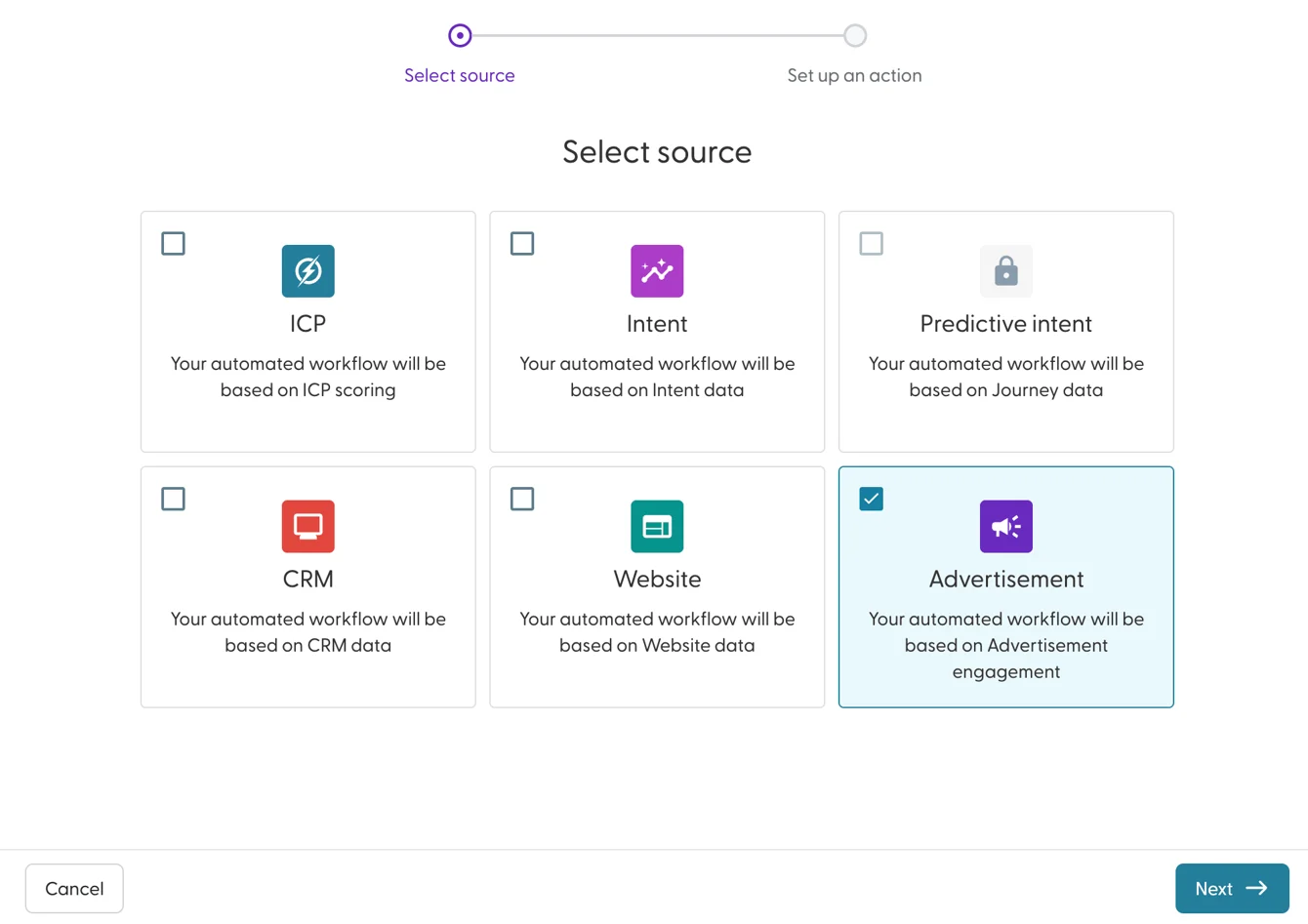
Select Advertisement and click Next.
Enter a name that includes the engagement level, the campaign and the action, for example "Awareness 1+ engagement add to Ad engaged: Low".
Choose how many engagements trigger the workflow, from 1 or more times to 5 or more times.
Choose the campaign to check.
Set the number of days (0 to 90) in which the engagements must happen.
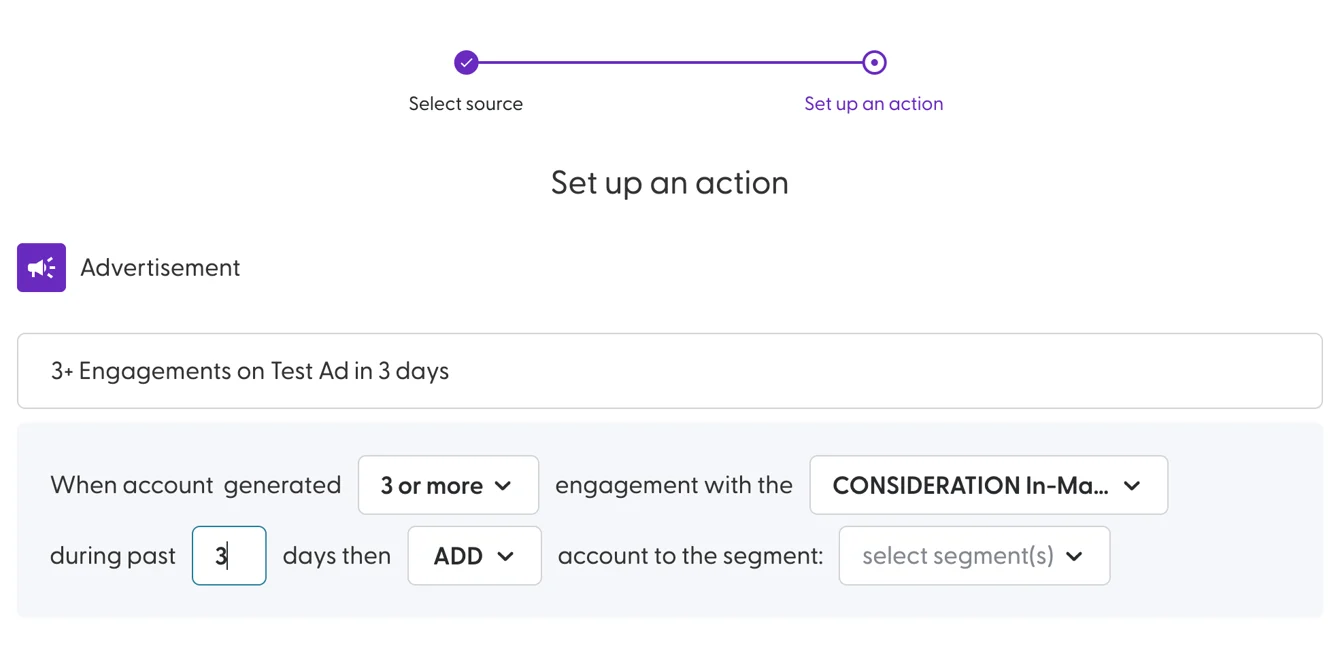
Choose the action: Add, Move or Remove. See What are workflows and how do they work? for what each action does.
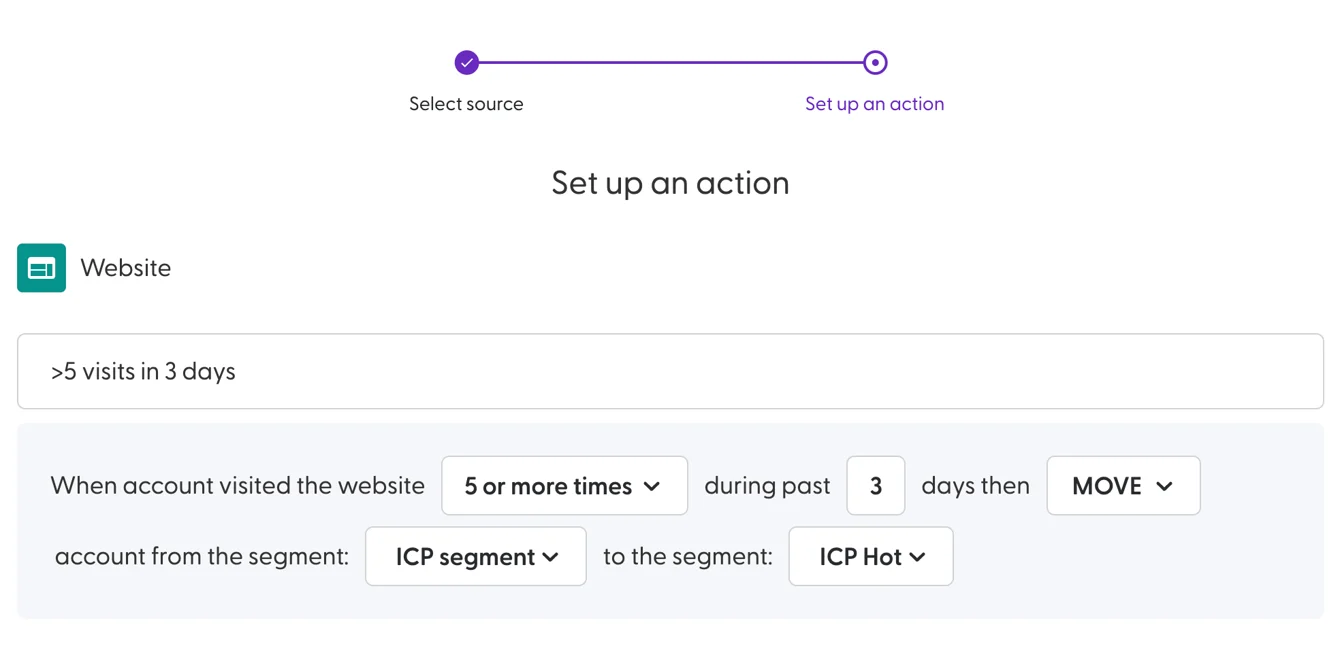
Select the segment(s) to update. You can also create a new segment here. For Move, select the segment(s) to move accounts from and the segment(s) to move them to.
Click Create.
The workflow is active straight away and runs at the next scheduled run.
Example: move accounts up as ad engagement grows
Goal: group accounts by how much they engage with your Awareness, Consideration and Decision campaigns, and target each group with the next campaign.
Create three segments: Ad engaged: Low, Ad engaged: Medium and Ad engaged: High. See How do segments work in N.Rich?
Create three workflows:
When an account generates 1 or more engagements with the Awareness campaign during the past 7 days, Add it to Ad engaged: Low.
When an account generates 3 or more engagements with the Consideration campaign during the past 7 days, Move it from Ad engaged: Low to Ad engaged: Medium.
When an account generates 5 or more engagements with the Decision campaign during the past 3 days, Move it from Ad engaged: Low and Ad engaged: Medium to Ad engaged: High.
Target the segments: Consideration campaign to Ad engaged: Low, Decision campaign to Ad engaged: Medium, and sales outreach to Ad engaged: High.
Tip: if you keep CRM segments of accounts with open, won or recently lost opportunities, exclude them from these campaigns so your budget goes to active prospects.
What's next
Need help? Reach out to your Solutions Engineer via the chat in the bottom-left corner of the N.Rich platform, by email or Slack.