Image display ads
Last updated: April 30, 2026
A deep dive into all aspects of Image display ads in N.Rich
Technical overview
Image display ads generate clicks just like Cross-Channel ads, but give full control over the creative from a branding perspective. However, it is never recommended to use only image ads alone, but in parallel with Cross-Channel ads in order to observe the performance difference. The image is itself a link, so there is no Call-to-Action elements. Engagement is essentially a click on the image.
Creating Image display Ads
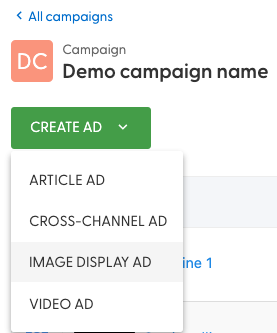
From the previously created campaign, click on '+ Create ad' and choose Image display ad:
That will lead you to a view that looks like this:
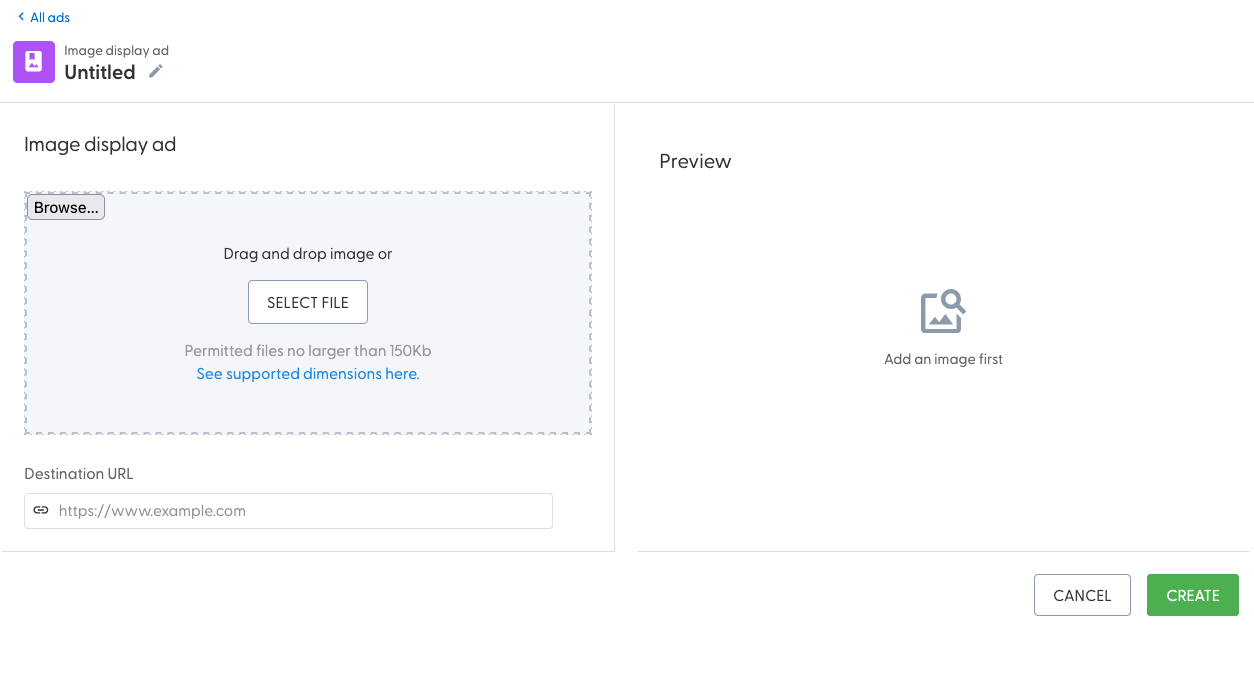
The left-hand side allows you to add your content - specifically the image and URL.
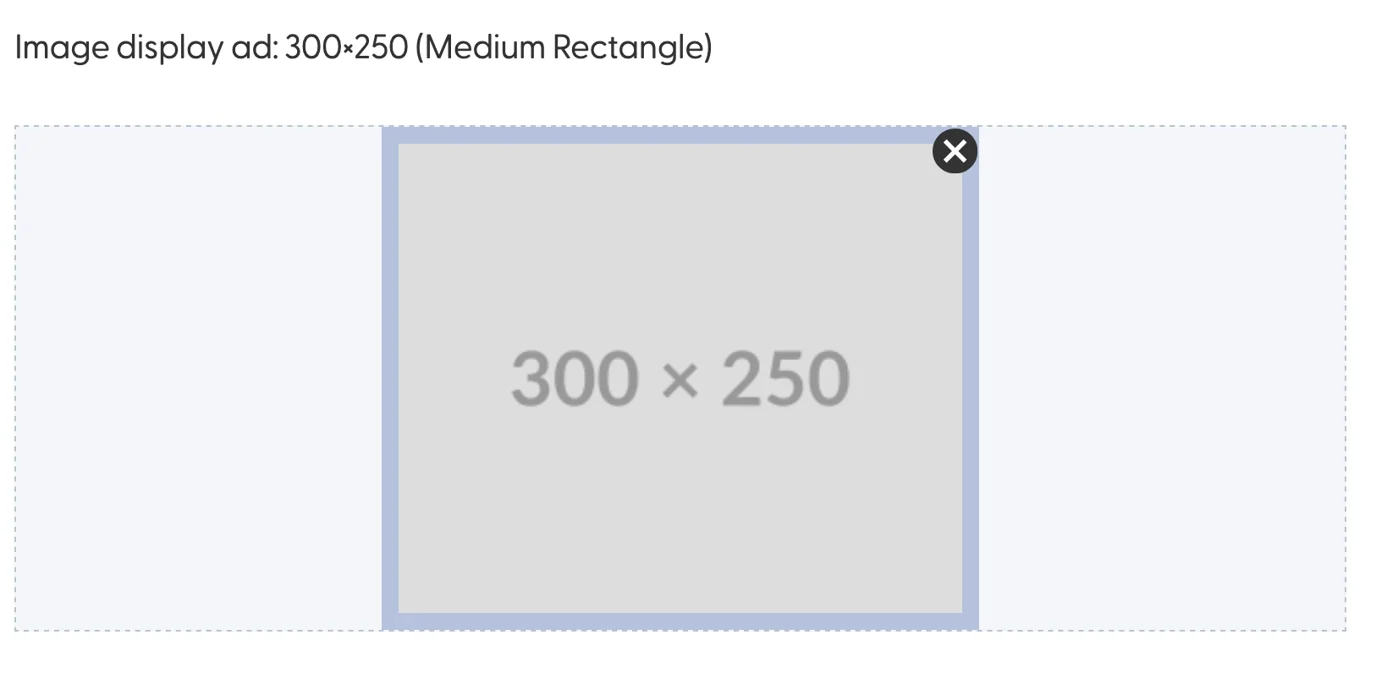
Upon uploading an image, hovering over it will display an option to remove it:
Upon adding an URL, hovering over the blue icon will display the entire link, including the UTMs:
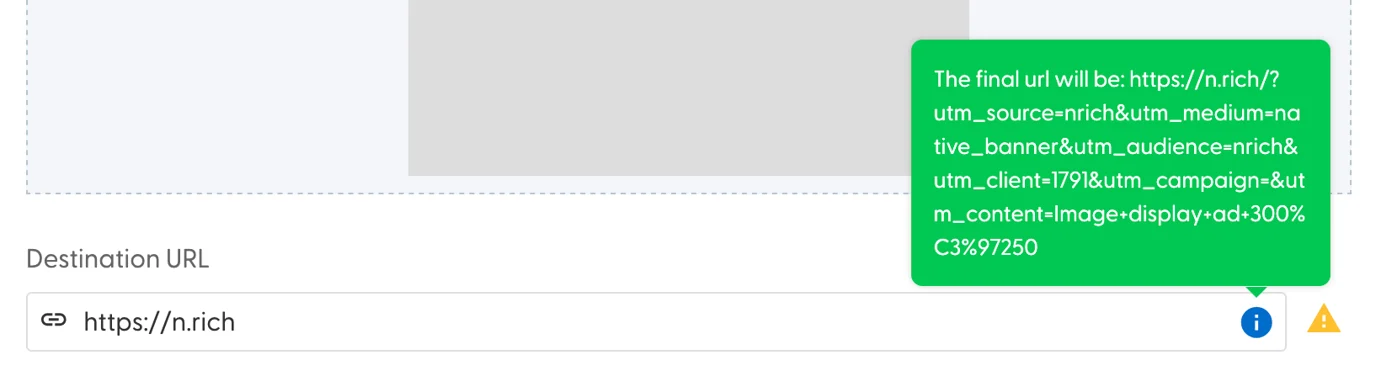
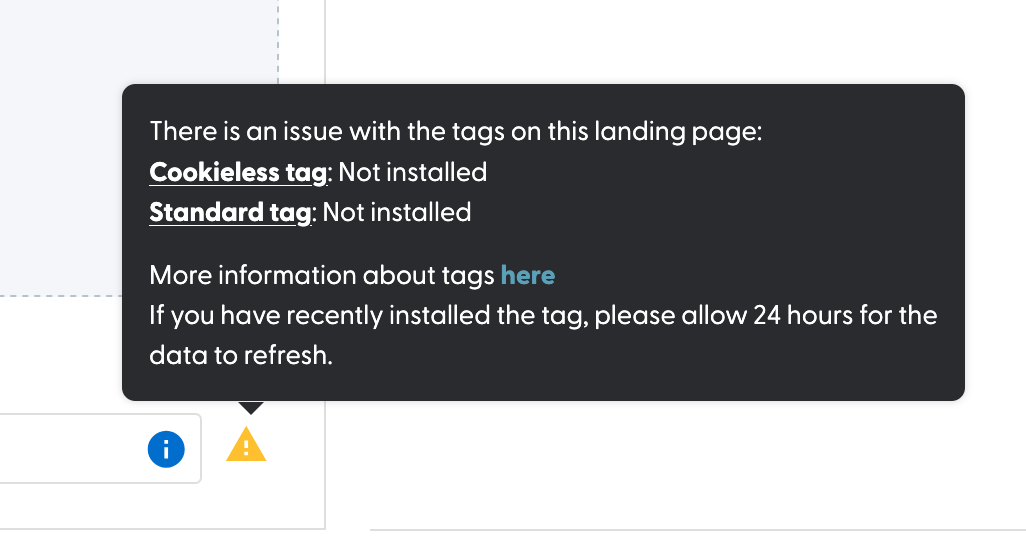
The yellow warning might appear next to the URL field - see here what it means:
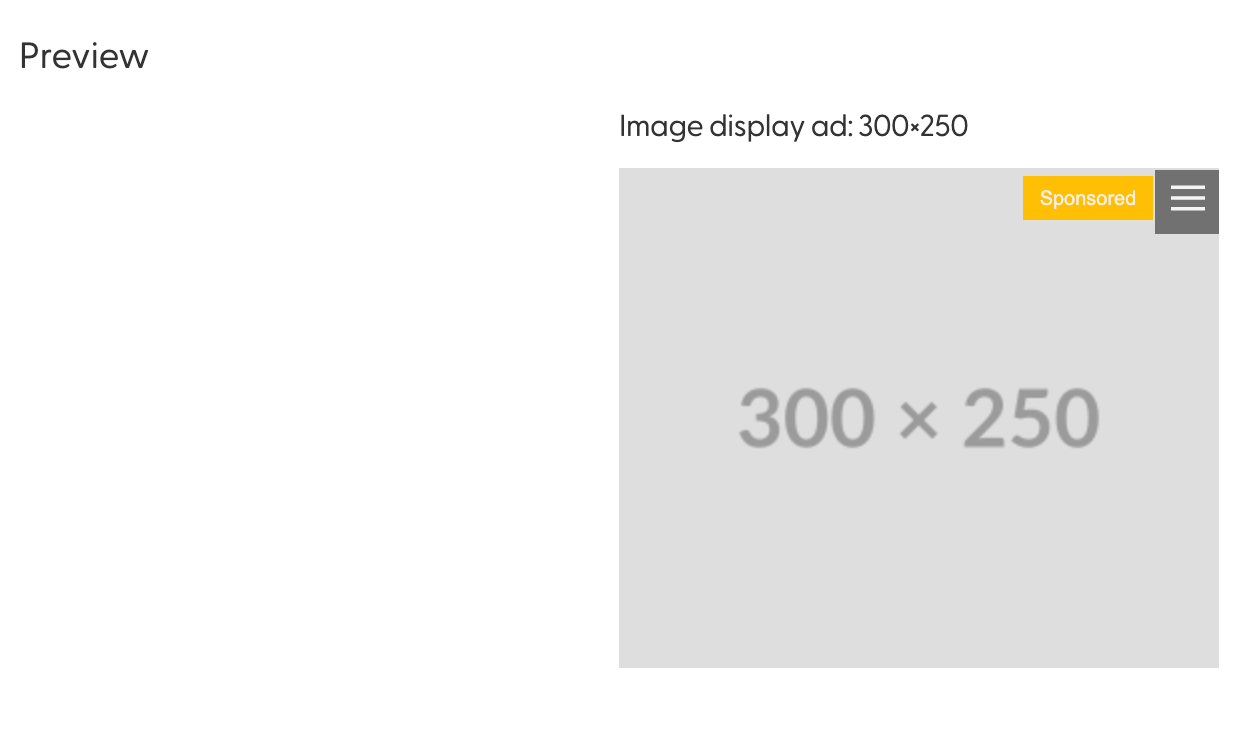
Once you have added your image and link, and clicked on the "Save" button, the right hand side will show a preview of your image ad:
Aurora AI and Image display Ads
Aurora AI currently can not be used to enhance image ads - if you'd like to see this happen, let our Product support team know!
Image Display Ad Assets format
Image
.jpeg, .png, .jpg
up to 150KB
in pixels: 300x250 OR 300×600 OR 970×250 OR 336×280 OR 250×250 - one pixel higher or lower and the image will be rejected by the system.
Destination URL: up to 1800 characters
Best practices
Relevance is Key: Ensure that your images are directly related to your content. They should complement your message and provide context rather than being purely decorative.
High Quality is Non-Negotiable: Blurry, pixelated, or poorly composed images can undermine your credibility. Invest in high-resolution images that reflect the professionalism of your brand. Avoid stock imagery as it reflects poorly on the brand.
Consistency in Style: Maintain a consistent visual style across your marketing materials. This includes colour schemes, image filters, and the overall look and feel. Consistency builds brand recognition.
A/B Testing: Experiment with different images to see what resonates best with your audience. A/B testing can provide valuable insights into what visuals drive conversions.
Legal Compliance: Be mindful of copyright and licensing. Only use images for which you have the necessary permissions to avoid legal issues.
Incorporating these image best practices into your B2B marketing strategy can significantly enhance the visual appeal, engagement, and effectiveness of your creatives. Remember, in the digital age, a picture is worth a thousand words, especially in the B2B landscape where professionalism and credibility are paramount.