How do I rename or delete a segment, or see its change history?
Last updated: October 7, 2026
Manage a segment from the three dots menu on the Segments page: rename it, check who changed it, or delete it.
Open the segment options
On the Segments page, click the three dots at the end of the segment's row.
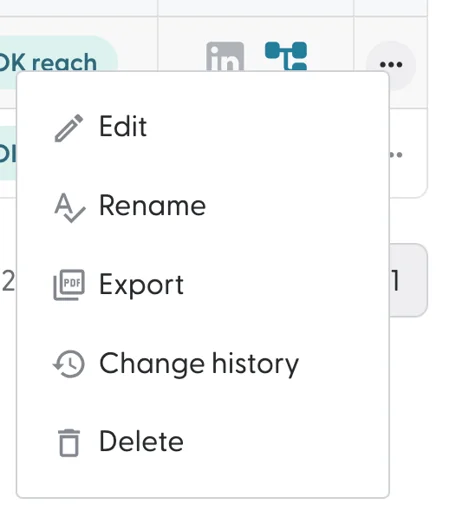
Edit: opens the segment. See What do the stats and columns in a segment mean?
Rename: changes the segment name.
Export: downloads the accounts. See How do I export accounts from a segment?
Change history: shows every change a person made to the segment. Automatic changes (for example by workflows) are not tracked.
Delete: deletes the segment after a warning.
You can also rename a segment with the pencil icon next to its name, and delete it with the trashcan icon, from inside the segment.
Deleting a segment can't be undone.
What's next
Need help? Reach out to your Solutions Engineer via the chat in the bottom-left corner of the N.Rich platform, by email or Slack.