Intro to N.Rich AI
Last updated: September 30, 2026
N.Rich AI lets you build the reports and dashboards you need on your own N.Rich data. You describe what you want in plain English, and N.Rich AI builds an interactive app: charts, tables, filters and drill-downs that update with live data every time you open them.
What data it uses
Apps run on the same data behind your N.Rich Analytics dashboards:
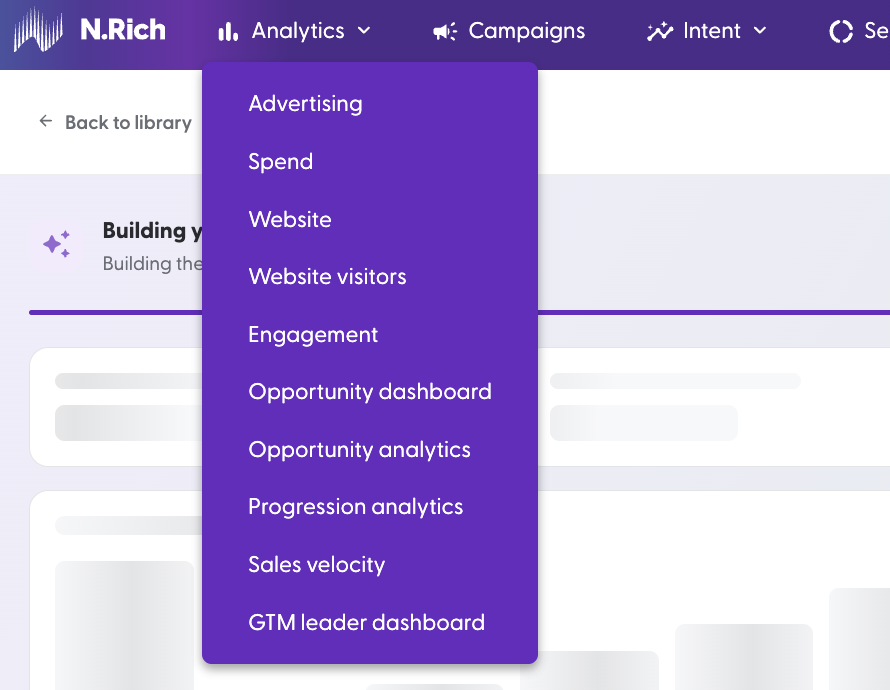
Ad and campaign data
Intent data from your intent reports
CRM data from your connected HubSpot or Salesforce
LinkedIn engagement data
At the moment, N.Rich AI holds the last 12 months of data.
Chat mode and Build mode
On the N.Rich AI page you can choose whether you want to chat with our AI first, or start building immediately:
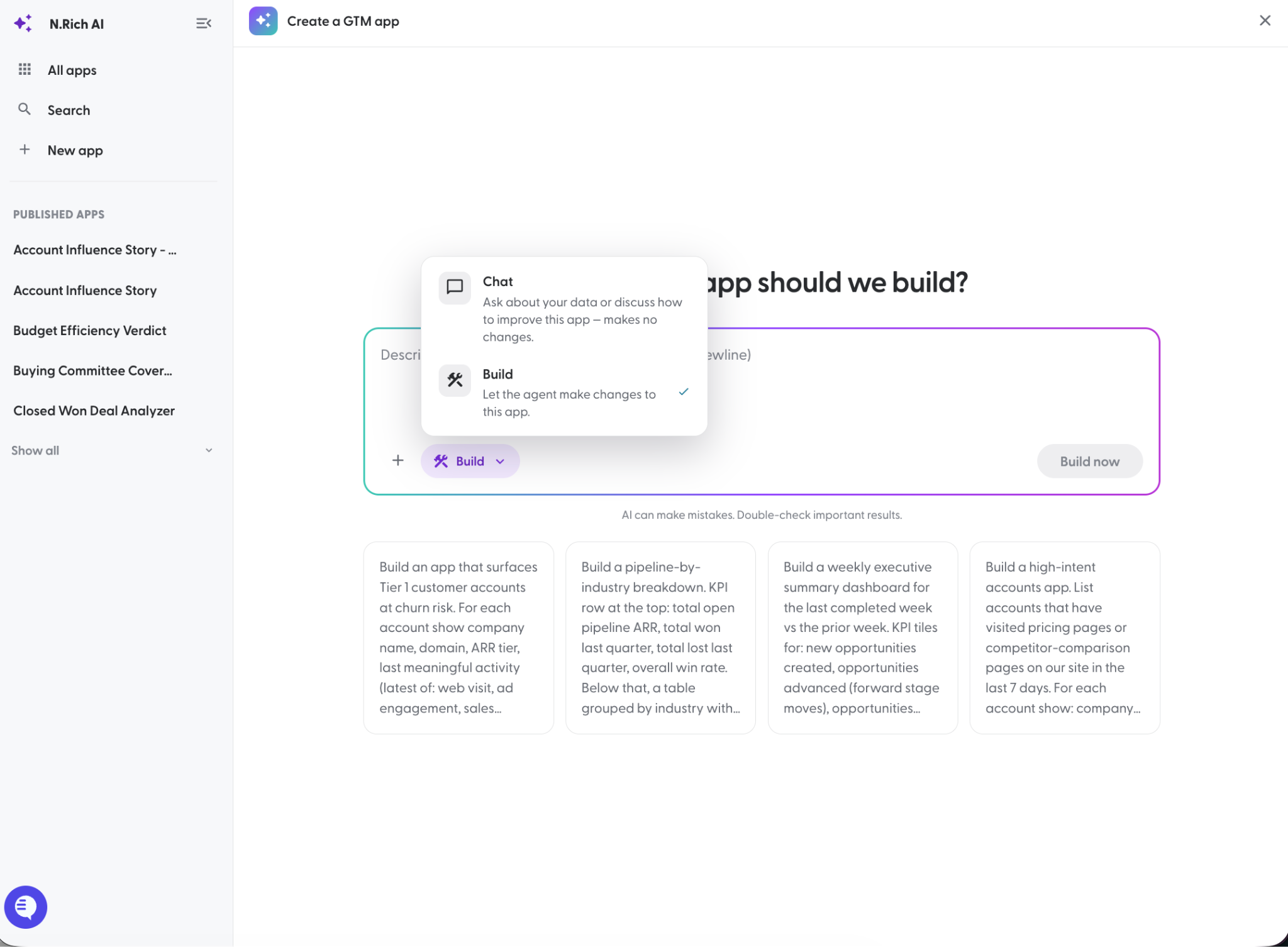
Once your app is built:
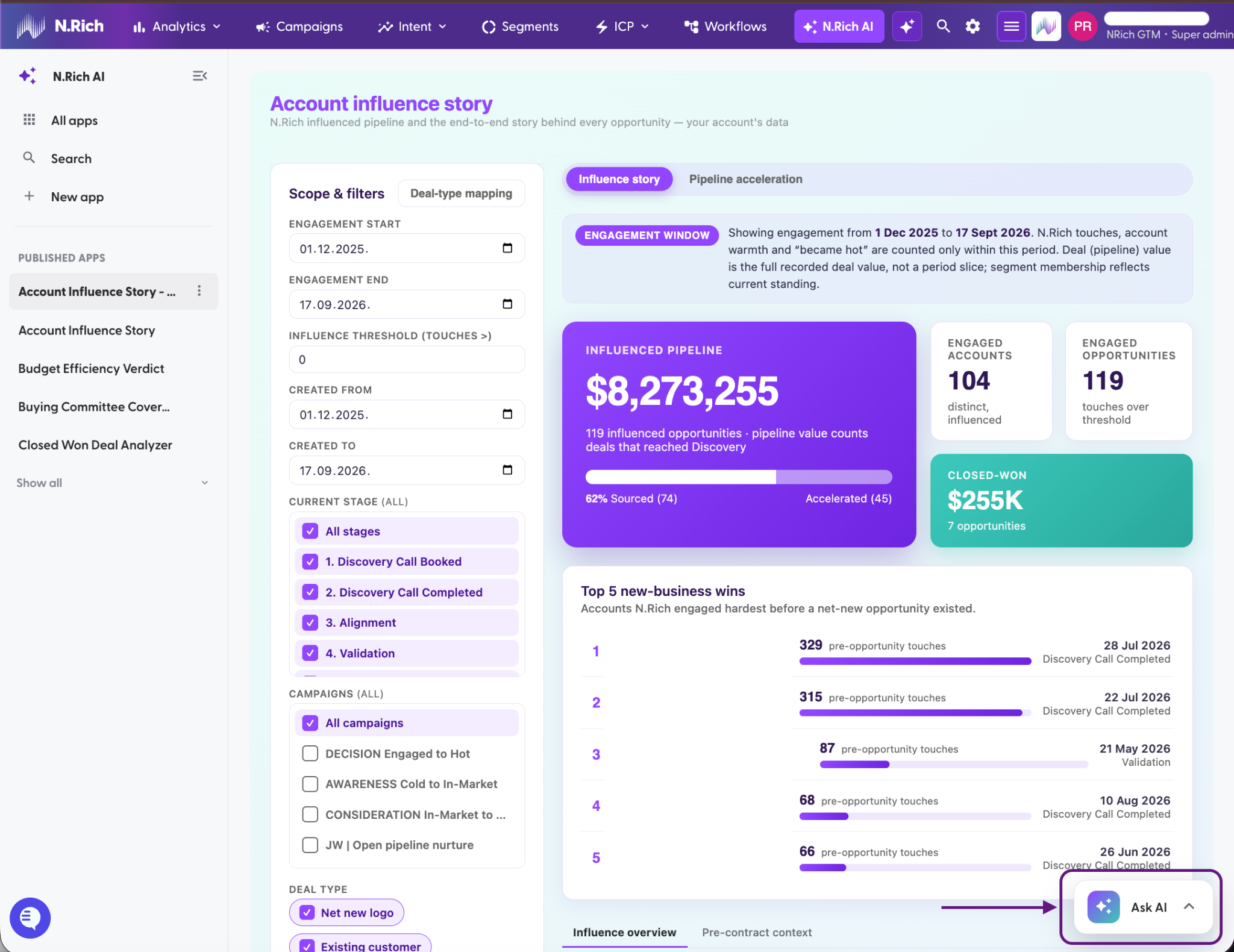
Ask N.Rich AI questions about your app and the data you see, or
Re-build parts of your app (based on your prompts):
ACTION | Chat mode | Build mode |
Use it to | Ask about an app and its numbers | Build a new app or change an existing one |
Changes the app? | No | Yes |
Speed | Fast | Slower |
Who can use it | Anyone with access to a published app | App Owner (person that created the app) |
Before you start building:
Settle what you want in Chat mode first, then switch to Build mode and build it as accurately as possible.
What it can do
Build almost any layout: tabs, charts, tables, dropdowns, date pickers, even an AI chat inside the app.
Published apps can open inside HubSpot, on the company record. (Salesforce coming soon!) See N.Rich AI apps in your CRM.
What it can't do (yet)
Change anything in your N.Rich account outside the app you're working on.
Change anything in connected systems such as your CRM.
Embed apps anywhere other than HubSpot.
Use files you upload as extra context.
Where to next
[N.Rich AI: Free trial and limits]: find out how how trial plan works.
[Navigating N.Rich AI]: find your way around the Apps library and an open app.
[Working with apps]: what you can do with an app, and who can do it.
[N.Rich AI apps in your CRM]: open published apps inside HubSpot.
[MCP section]: connect Claude or another AI assistant to your N.Rich data.
Need help at any point? Reach out via the chat in the bottom-left corner of the N.Rich platform, we're happy to help.