How do I create an Article ad?
Last updated: October 7, 2026
An Article ad shows a short article inside an ad placement that people can scroll and read. It builds awareness and intent. This article walks you through creating one.
How Article ads work
Article ads run on the N.Rich DSP across programmatic display placements. They come in different sizes depending on the placement, and 300x250px is the most common. At first only part of the article is visible, and people keep reading by scrolling inside the ad.
An engagement, or a read, is scrolling through at least 50% of the article. You can add a call-to-action button at the end, but don't expect many clicks from this format.
Create the ad
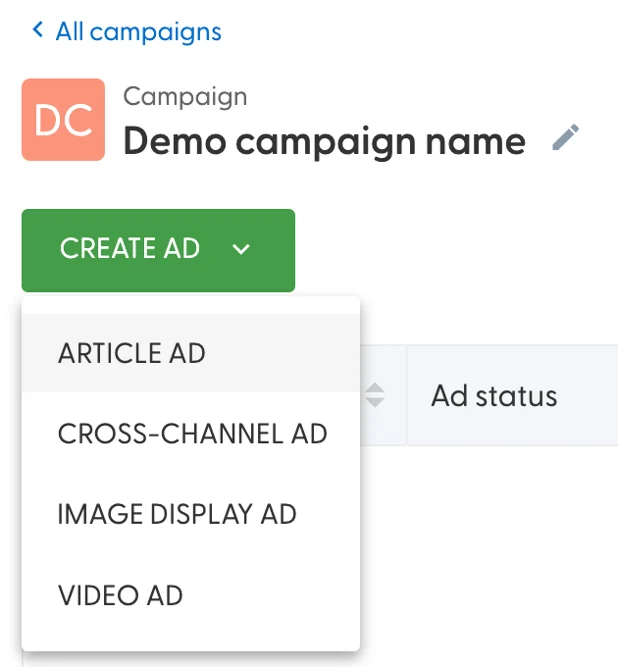
In your campaign, click Create ad and choose Article ad.
Click the pencil icon at the top to name the ad. The name identifies the ad in N.Rich and becomes its utm_content.
On the left side, add the article content: a header, a header image, a title and the body text. Each text field counts the characters as you type.
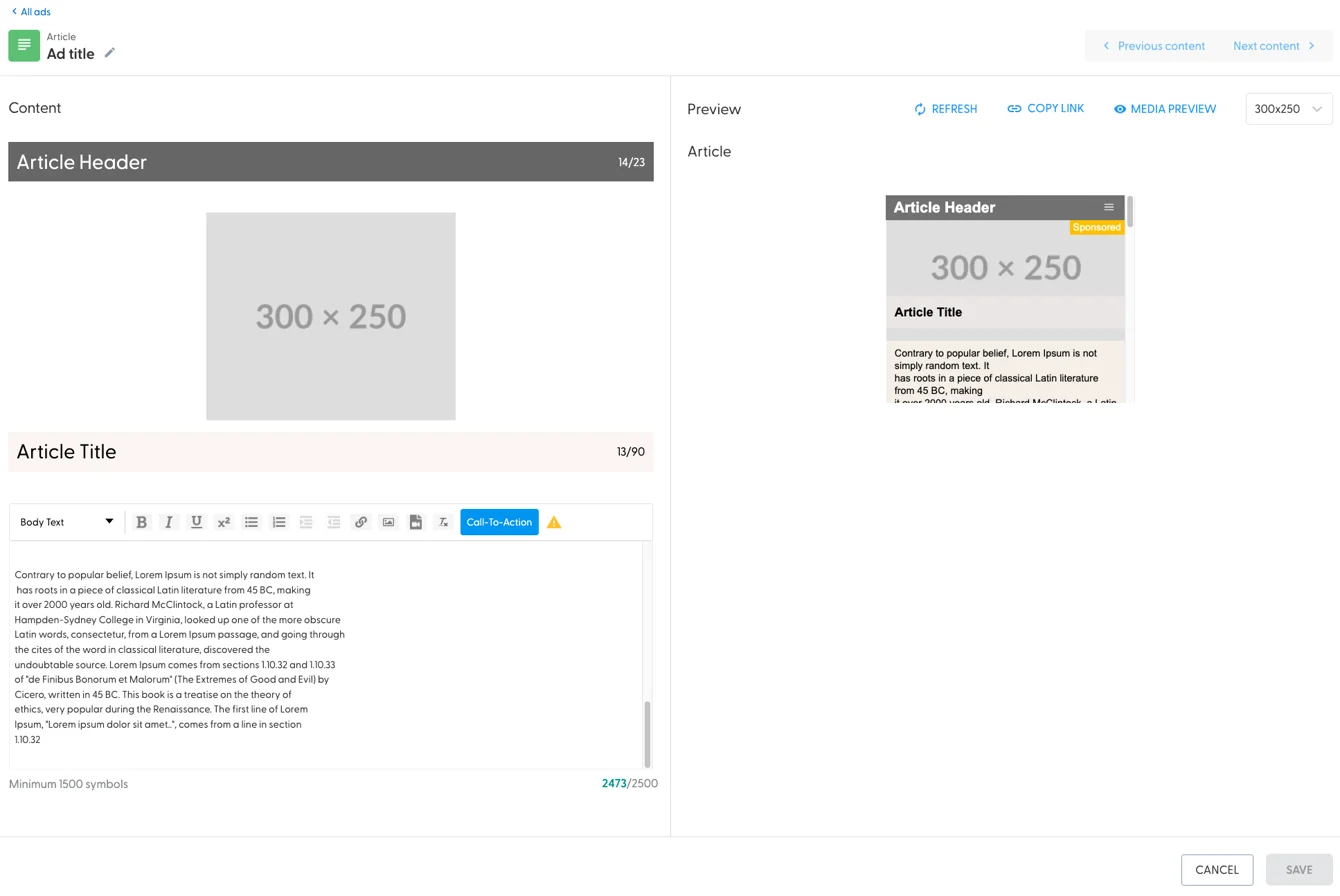
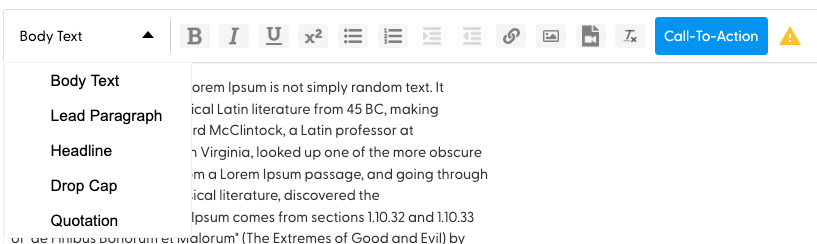
The body editor has formatting options, and you can add images and videos to the article:
Optionally, click the Call-to-Action button to add a button at the end of the article:
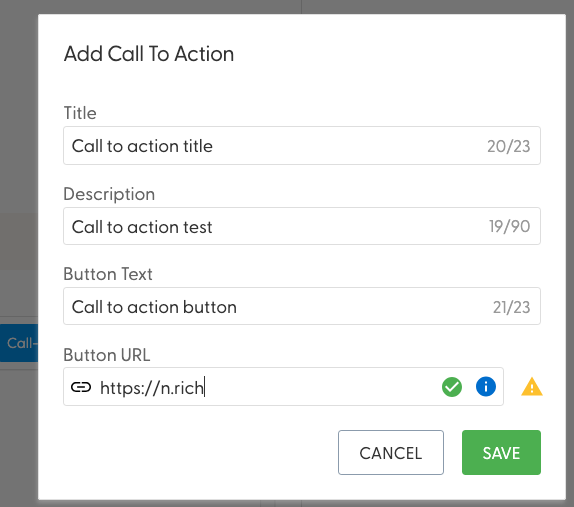
Hover over the blue i icon to see the full URL of your call to action. A yellow warning icon means N.Rich hasn't recently seen traffic on that page. See here for details about this specific warning.
Click Save. The right side shows a preview of your ad:
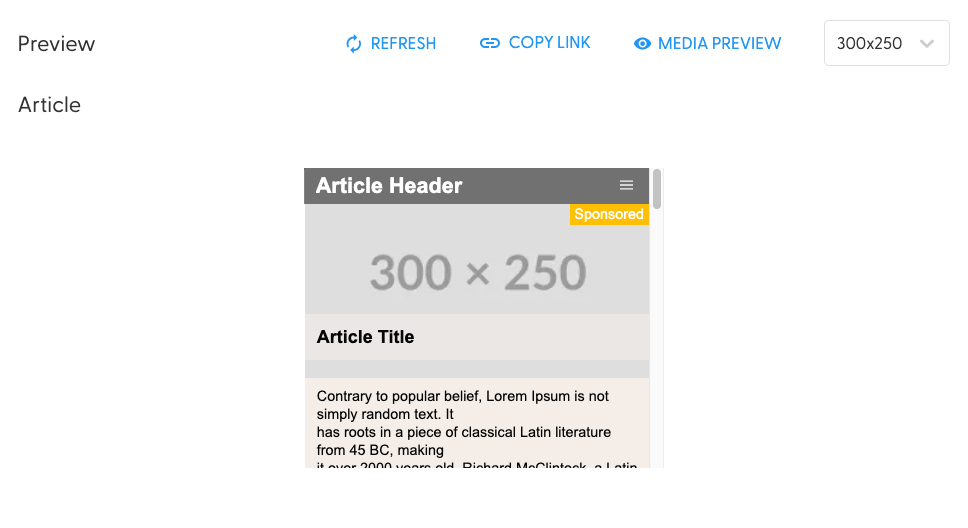
Preview the ad
Refresh saves your changes and updates the preview.
Copy link gives you a link anyone can open to see the ad.
Media preview shows how the ad looks on several well-known websites.
The dropdown on the far right lists all sizes your ad can appear in:
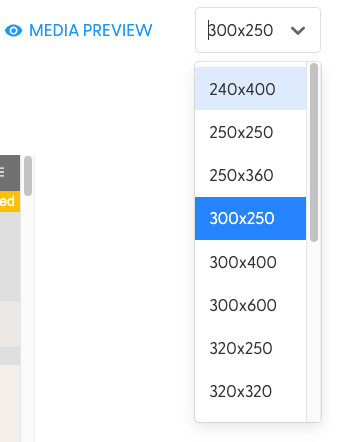
Check that your header image works in as many sizes as possible: your article can appear in any of them.
Want AI help writing ad copy? Aurora AI is available on request: contact your Account Manager.
What's next
Need help? Reach out to your Solutions Engineer via the chat in the bottom-left corner of the N.Rich platform, by email or Slack.