How do account groups work, and how do I merge accounts?
Last updated: October 7, 2026
N.Rich groups all domains and CRM records that belong to the same company into one account group. This keeps your reach, targeting and reporting tied to the right company. Read this when you see duplicates or want to add domains to an account.
How account grouping works
N.Rich automatically groups accounts imported with the same domain, whatever their source (file import or CRM).
All CRM IDs and domains of a company are grouped under one account.
A group includes all the company's domains, so you always have the account's full reach. You can add more domains to a group.
Each group has a main (primary) entry. N.Rich populates the fields in Salesforce or HubSpot on this main entry only, so make sure the right one is selected. N.Rich picks it automatically, and you can change the main entry and main domain at any time.
When you review opportunity influence, you measure the marketing influence on the whole company instead of on one of its records.
When you target campaigns or intent reports, select the countries or states you want, so you don't target irrelevant entities or locations of a group.
See and edit an account group
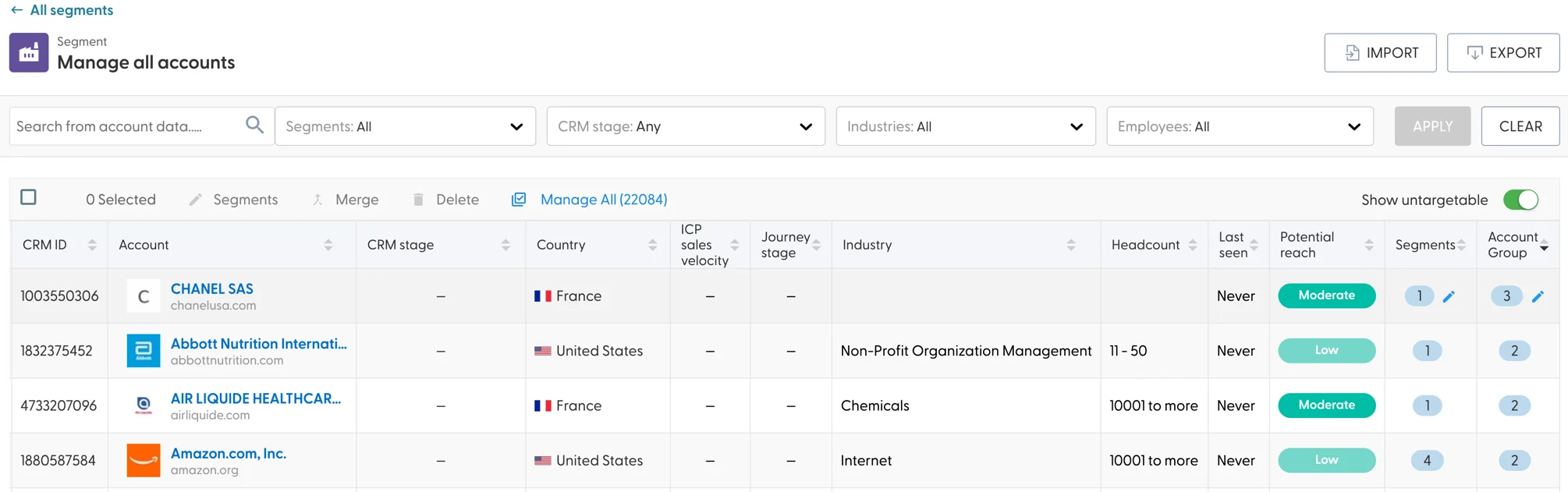
In a segment, hover over the number in the Account Group column and click the pencil icon.
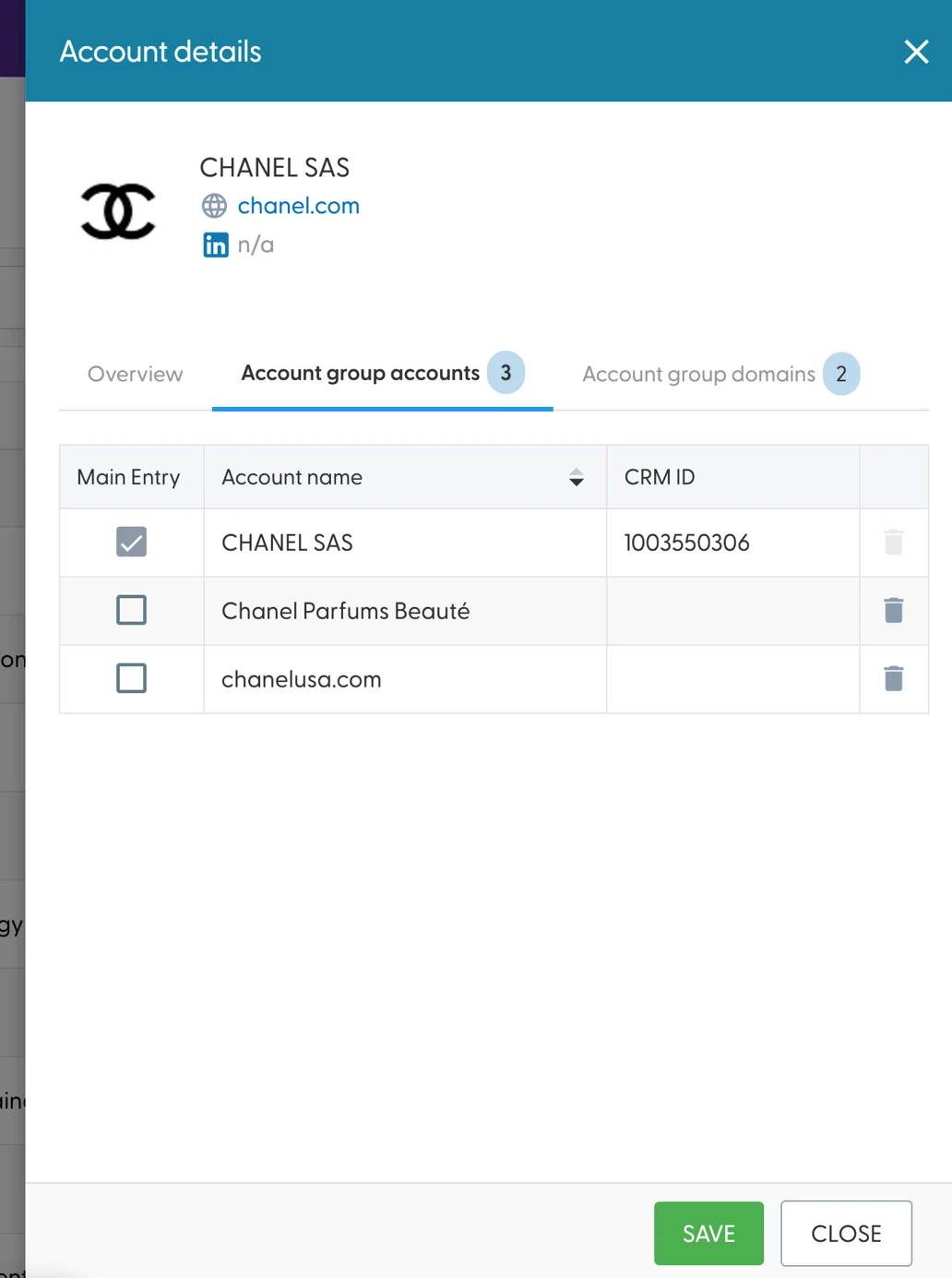
In the side panel, choose which account is the main account. The main account receives the engagement data in your CRM.
In the Account group domains tab, add more domains to the account. Click Save at the bottom of the panel to keep your changes.
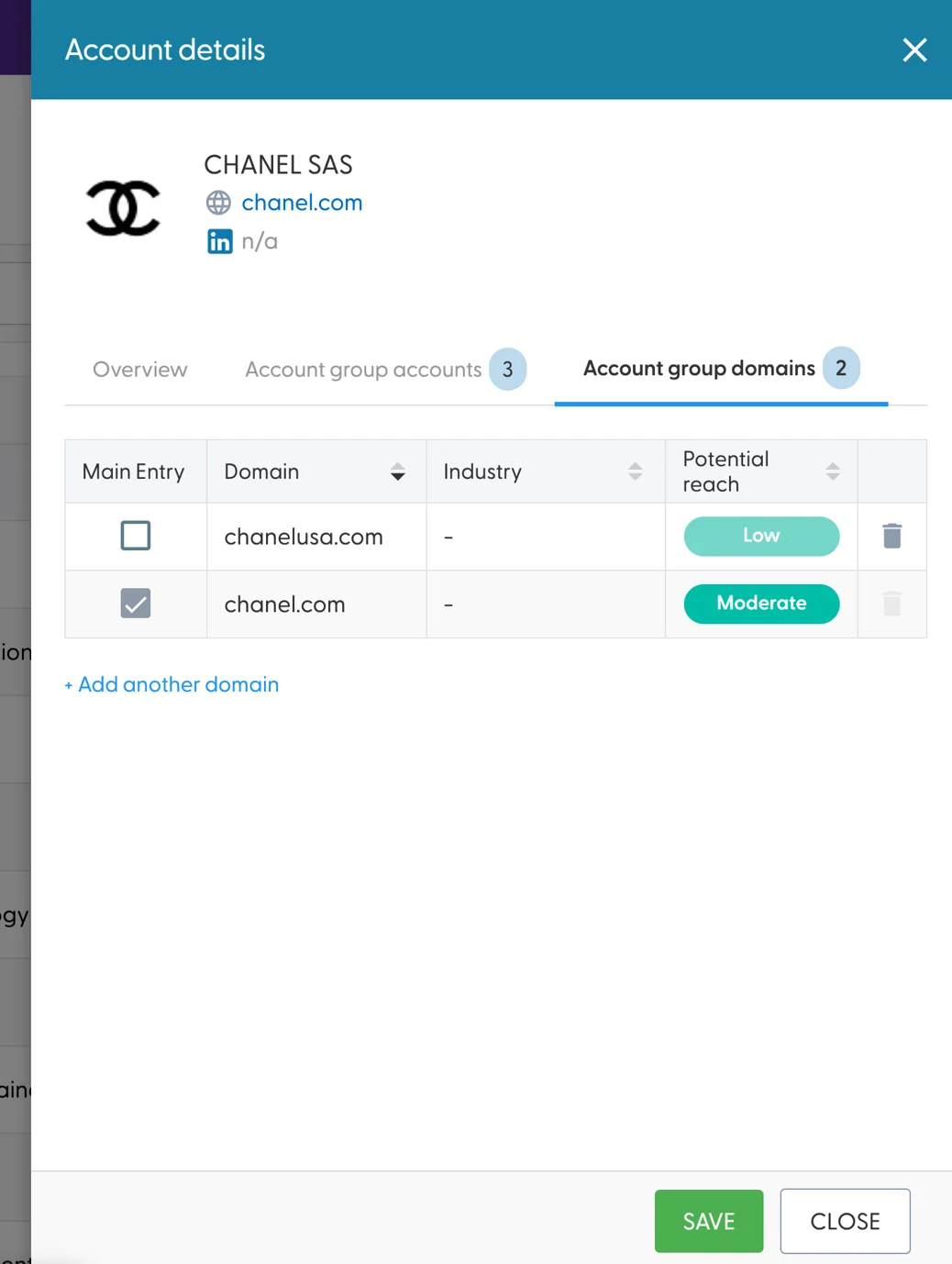
You can't add a domain that already belongs to another account. To move it, first delete the other account, then add its domain to this account.
Merge accounts
Merge duplicate accounts into one when they are the same company.
In a segment or in the all accounts view, select two or more accounts.
Click Merge and choose which account is the primary one.
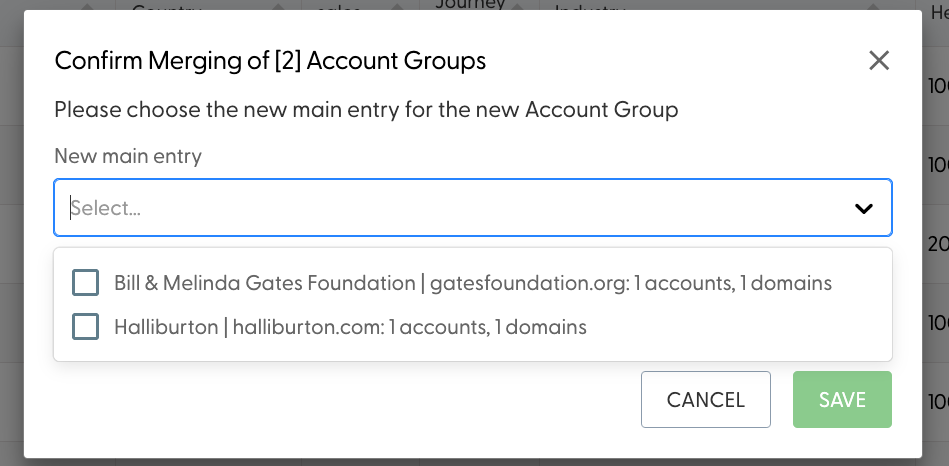
After the merge, the secondary account is added to the primary account's group. N.Rich only collects and sends data for the primary account record in your connected CRM. You can merge accounts that have no CRM ID.
What's next
Need help? Reach out to your Solutions Engineer via the chat in the bottom-left corner of the N.Rich platform, by email or Slack.