Setting up your profile
Last updated: October 6, 2026
My profile holds your name, your access level and your email alert setting. Every user has one, so it's the first place to look after you log in for the first time.
Open My profile
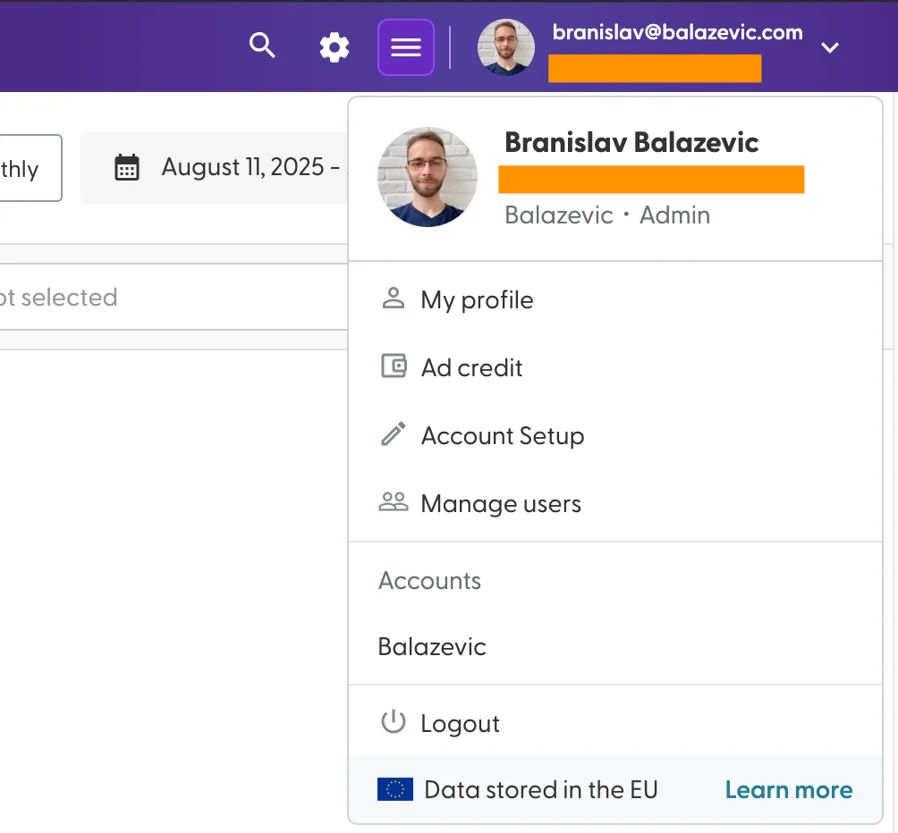
Click your name in the top-right corner and select My profile. A panel with three tabs opens on the right: User Info, Email alerts and Account admins.
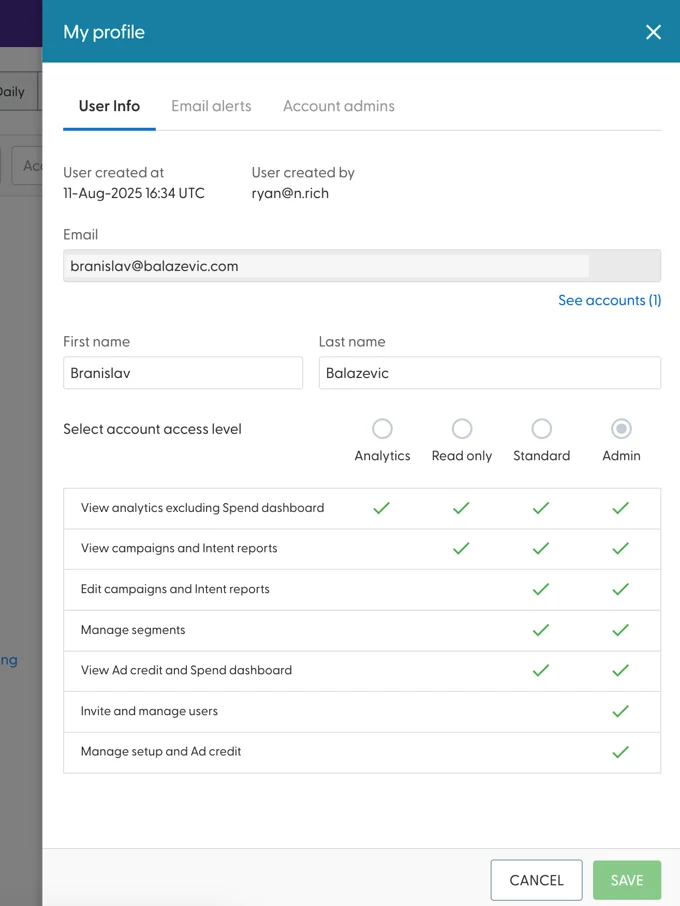
User Info
First name and Last name: you can change these. Click Save to keep your changes.
Email: can't be changed. If your email address changes, ask an Admin on your account to invite you again with the new address.
Access level: shows your role. You can't change your own role. To get a different one, ask an Admin on your account. See Inviting team members and setting user roles for what each role can do.
Email alerts
This tab has one setting: Email alerts on issues requiring attention, for example when one of your ads needs your attention. Admins have it turned on by default.
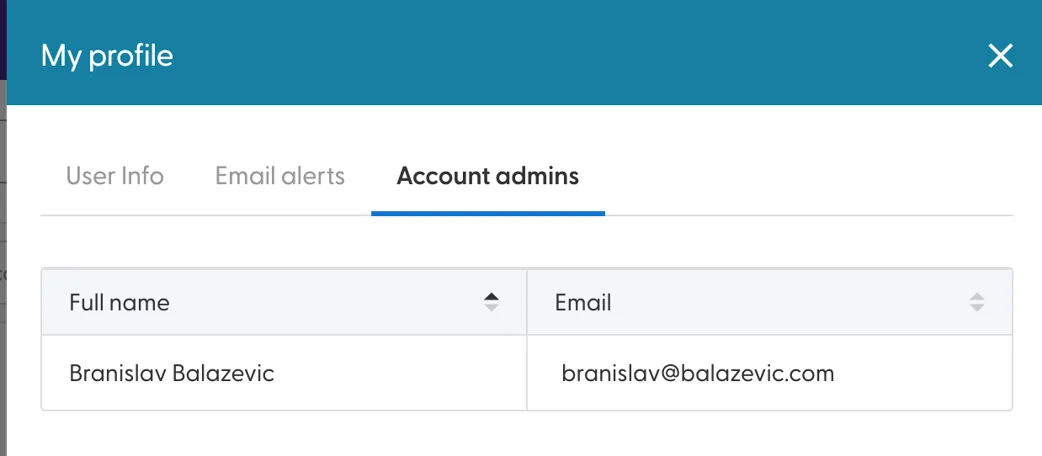
Account admins
Lists the Admins on your account, so you know who to ask for a new user, a different role or changes to Account Setup.
Your password
If you log in with an email and password, your password expires every 90 days. N.Rich reminds you during the last 10 days. If your company uses Single Sign-On (SSO), your company manages your login instead.
What's next
Completing your account setup (Admins): add your company domains, advertising name and logo.
Inviting team members and setting user roles (Admins): bring your team into N.Rich.
Need help? Reach out to your Solutions Engineer via the chat in the bottom-left corner of the N.Rich platform, by email or Slack.