How do I create an account segment?
Last updated: October 7, 2026
An account segment is a list of accounts you choose yourself. Create one when you already know which companies you want to target, then fill it by importing accounts.
Create the segment
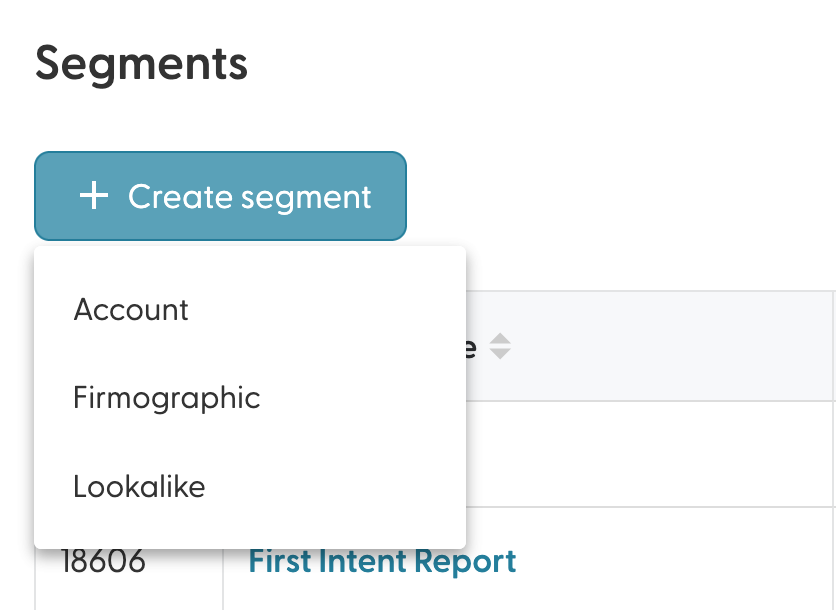
Go to the Segments page, click + Create segment and choose Account.
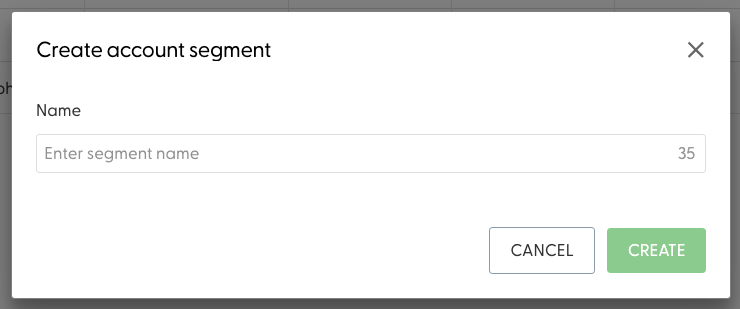
Give your segment a name.
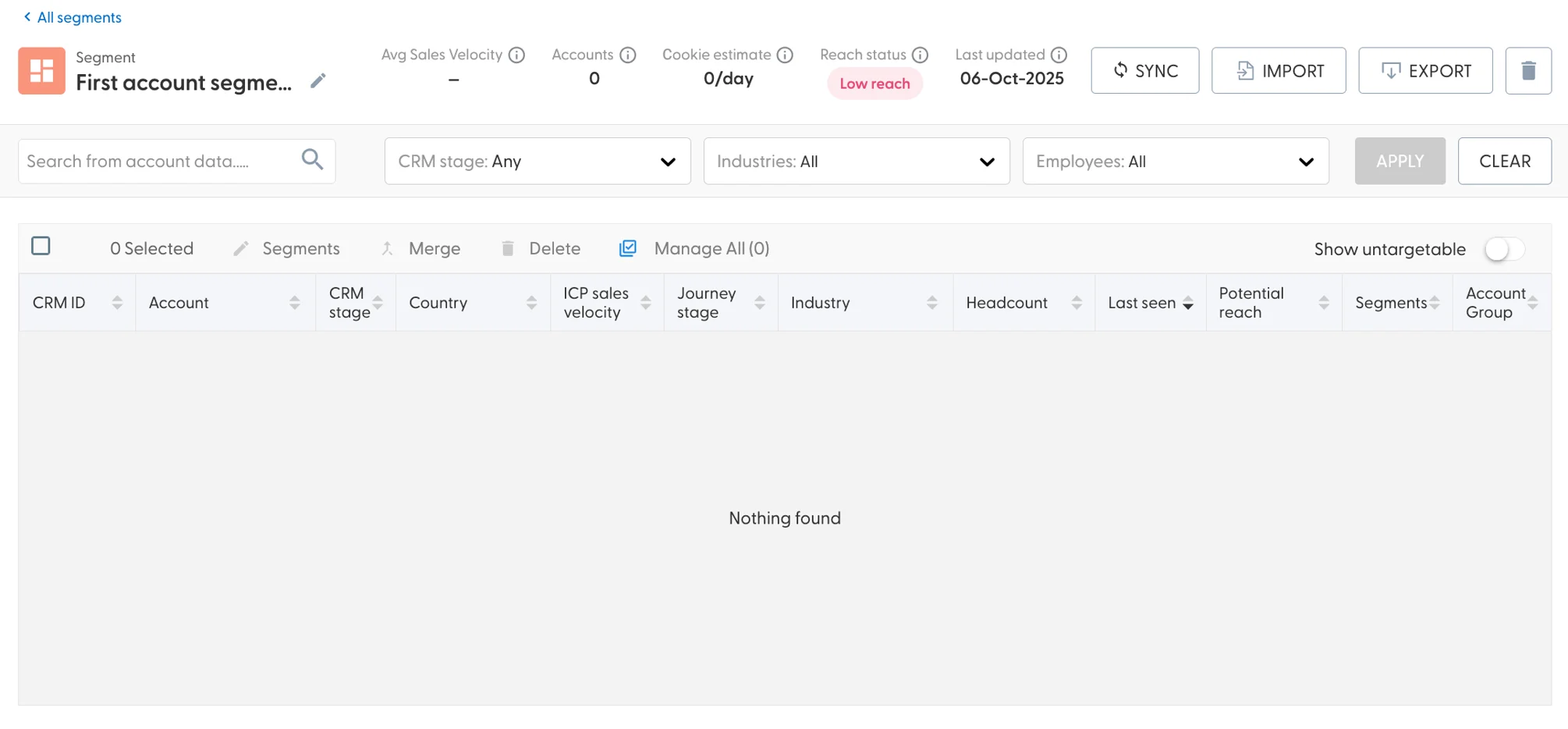
Your new, empty segment opens.
Add accounts
Click Import in the top right of the segment to open the import wizard. You can paste a list of domains, upload an Excel file or import the accounts with open opportunities from your CRM. See How do I import accounts into a segment?
What's next
Need help? Reach out to your Solutions Engineer via the chat in the bottom-left corner of the N.Rich platform, by email or Slack.