N.Rich MCP Guide to connect - Directory connector
Last updated: September 30, 2026
From 1 October 2026, the majority of N.Rich customer gets full access to MCP as a free trial. The trial runs until 30 November 2026.
This guide describes how to connect the N.Rich MCP server to Claude.ai as a Directory connector. Once connected, Claude can answer questions about your N.Rich data - ad campaigns, budgets, creatives, target-account engagement, intent signals, website visits, and pipeline influence - directly in a chat session.
Supported clients: Claude.ai only at the moment. Support for other MCP clients (ChatGPT, Gemini) will be added later.
1. Open Claude. Go to claude.ai (or open Claude Desktop) and sign in.
2. Open Connectors. Go to Customize → Connectors.
3. Add a custom connector. Click Add.
4. Name the connector and add the URL. Enter a name - for example N.Rich - and Select region you belong to :
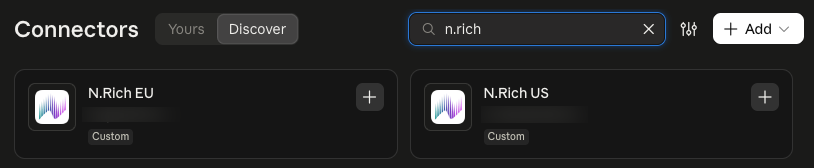
Not sure which region you're on? Use the details for the region your N.Rich account is hosted in. If you're unsure, ask via the chat in the N.Rich platform before connecting - using the wrong region will stop you from signing in.
5. Connect. The N.Rich connector now appears in your list. Click Connect.
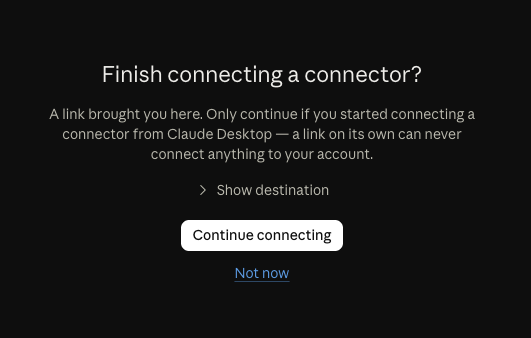
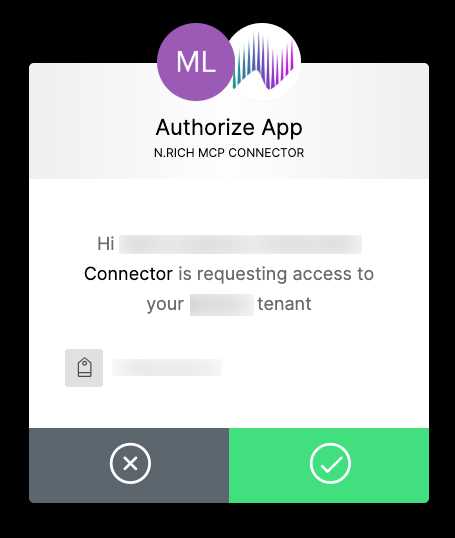
6. Grant access. A consent screen asks you to allow the connector to access your N.Rich data. Click Accept / Allow.
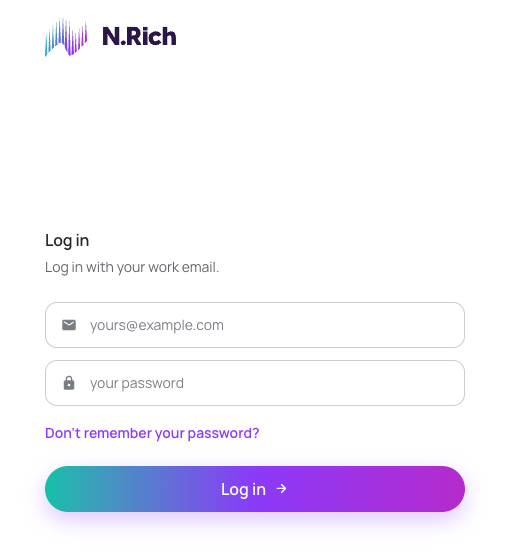
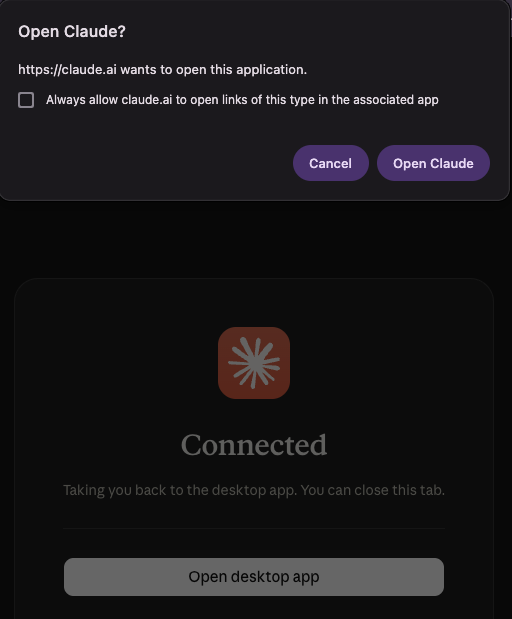
7. Sign in to N.Rich. Claude redirects you to the N.Rich login page. Enter your N.Rich login and password.
8. Check the connection. You're taken back to Claude, where the N.Rich connector shows as connected along with the tools it makes available.
9. Start asking questions. Open a new chat, make sure the N.Rich connector is enabled for the conversation, and ask N.Rich-specific questions. Claude routes them to the N.Rich MCP server automatically. Examples:
"Which target accounts showed the highest intent last month?"
"Show ad spend and impressions per campaign for Q2."
"Which creatives have the best click-through rate?"
Relevant articles:
When the trial ends
On 30 November 2026, accounts that have upgraded keep their access. Accounts that haven't upgraded lose access to MCP.
Need more? Contact your Account Manager to talk about upgrading.
Need help at any point? Reach out to our Solutions Engineering team via email or via in-app chat in the bottom-left corner of the N.Rich platform. We're happy to walk you through it!